Target Fit
Define the shoulder, waist, drape, volume, hem, and other visual features that make the style look right.
Pulchritude turns a target silhouette and selected body range into a Fit Map and Build Spec your team can use before the next sample round.
See the Fit Map ↘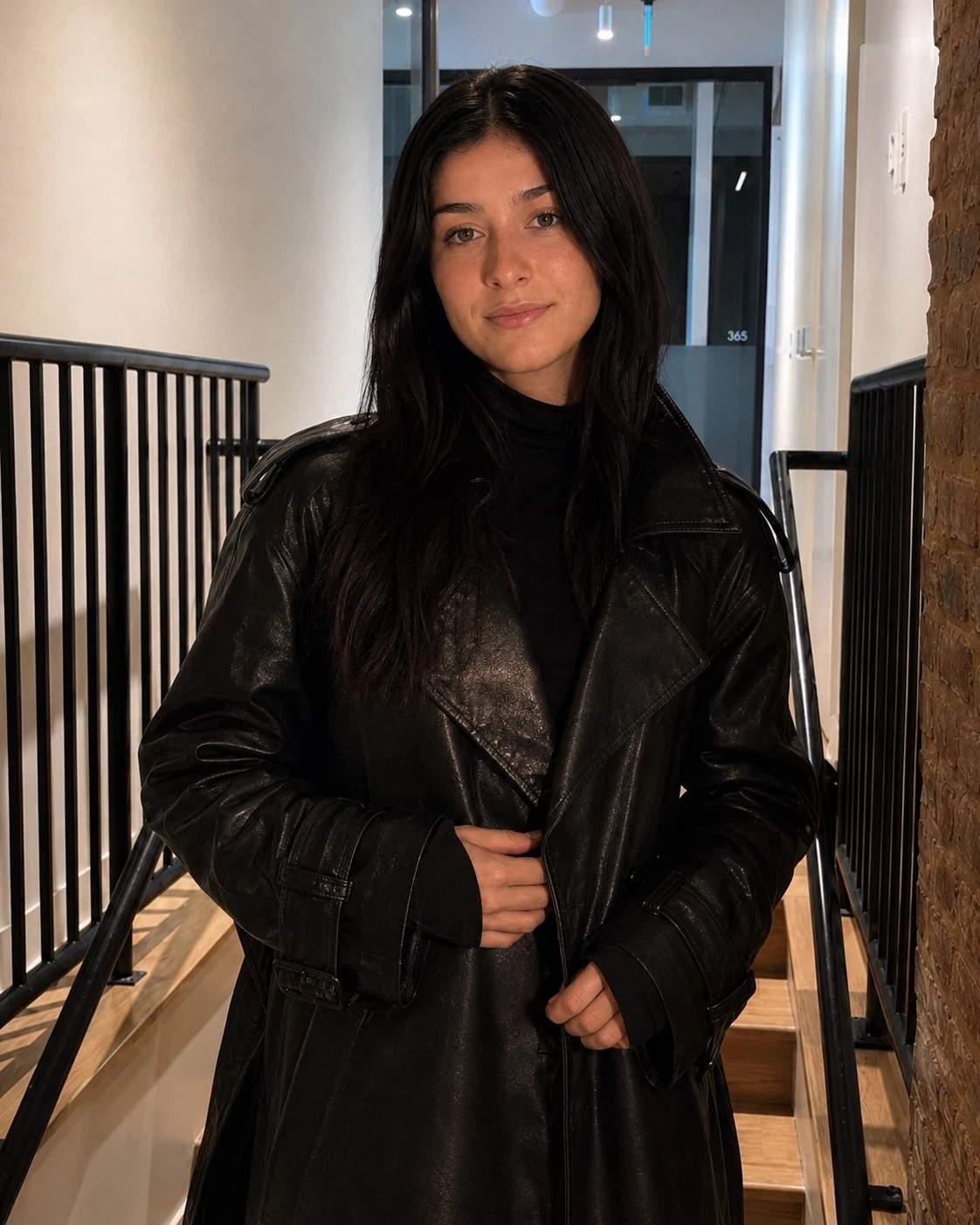
Pulchritude gives design and technical teams a shared way to describe what a garment should keep, where it can make room, and how it should behave after movement.
Define the shoulder, waist, drape, volume, hem, and other visual features that make the style look right.
Choose the body profiles, scan set, or measurement range the garment needs to work across.
Review garment zones that should hold, give, shift tension, or recover after movement.
Send the map and plain-language fit instructions to technical design, materials, 3D review, and the sample room.
Choose a look and body range. The map marks the garment zones that need different fit actions, then packages those decisions into a Build Spec.
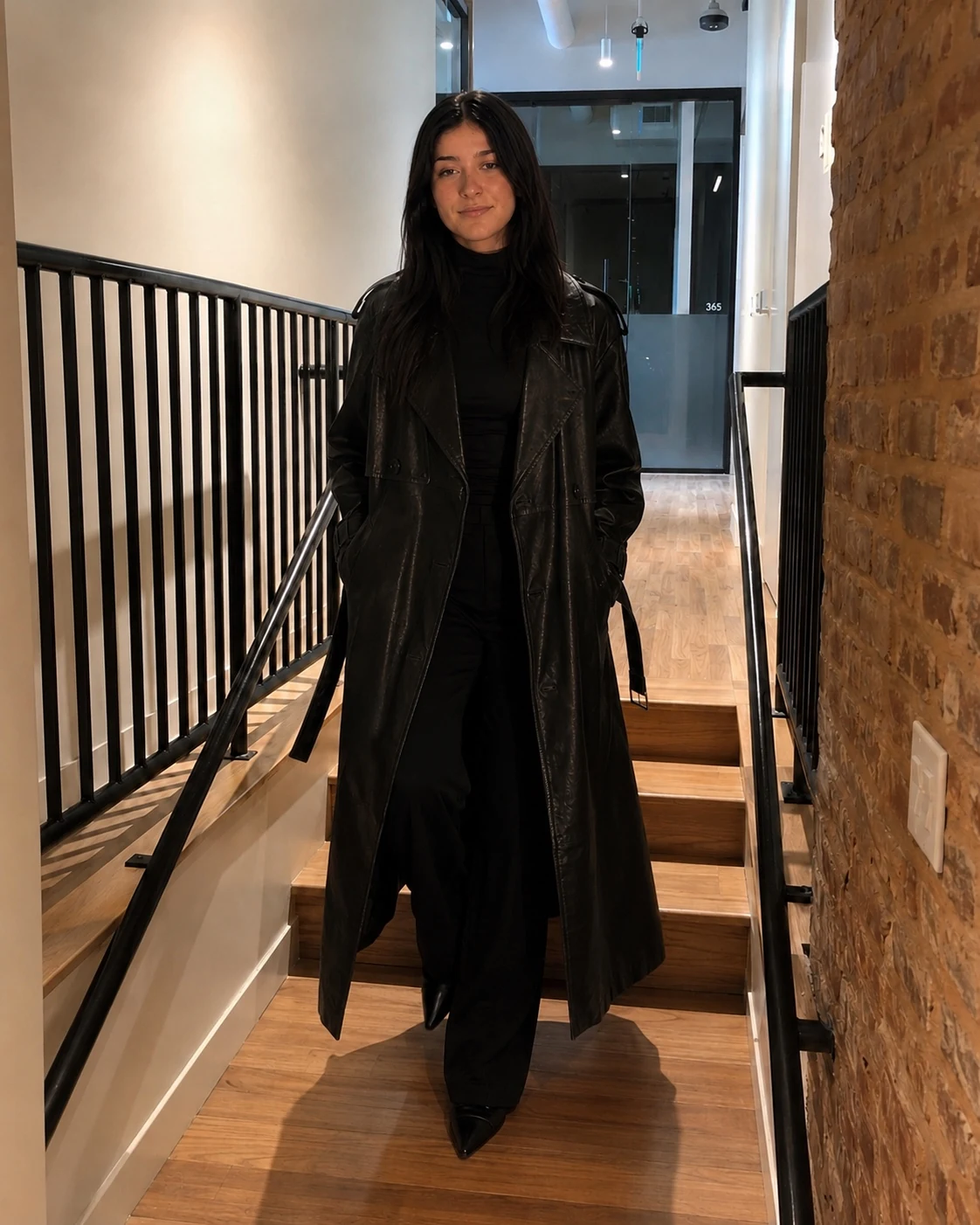
The Build Spec is the handoff. It turns the visual fit goal and Fit Map into garment-specific instructions that can travel with the style through development.
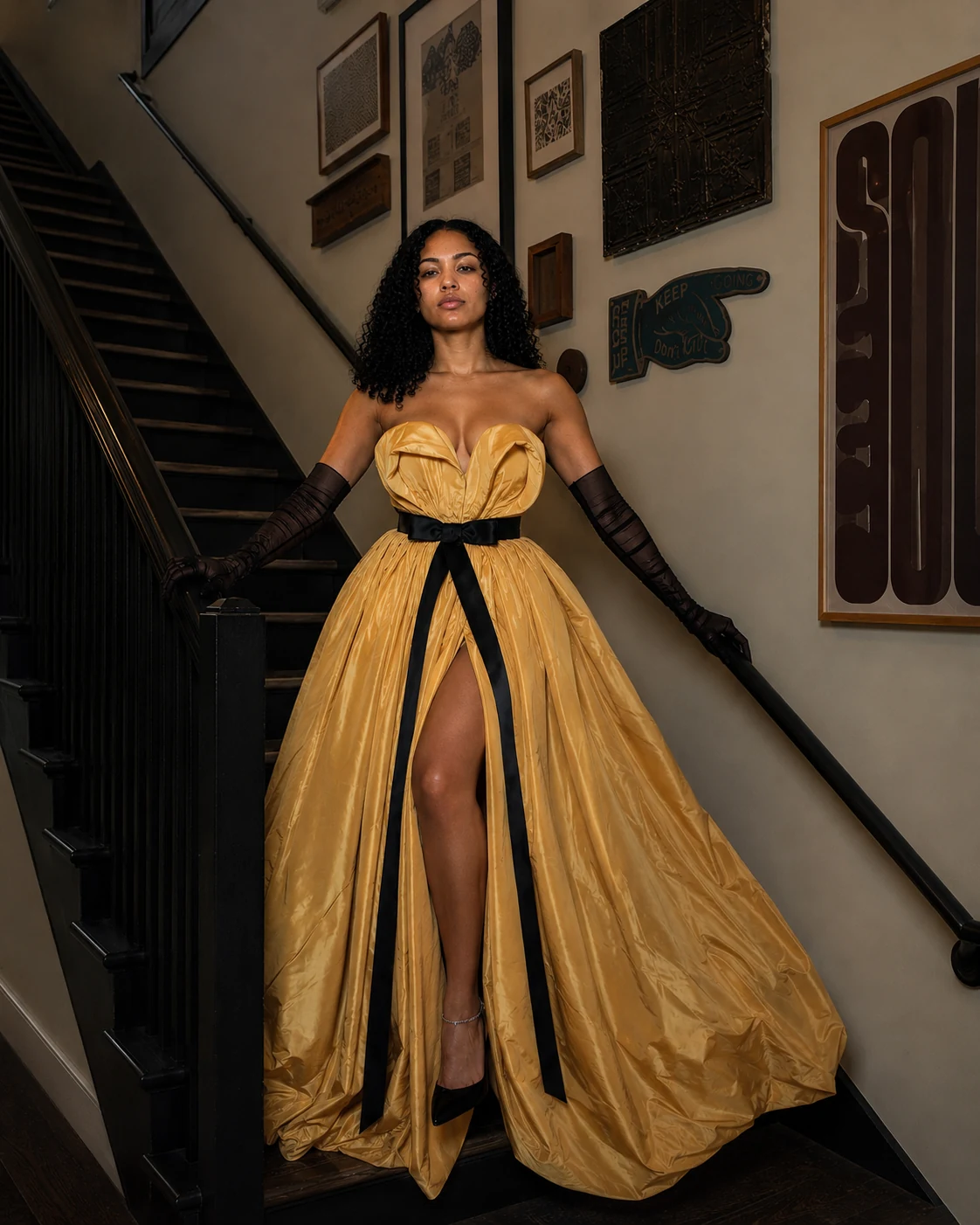
Keep the sculpted crest in placeMove visible tension toward the sideAdd room locally through the hipReturn the intended volume after movementThe Build Spec gives creative, technical design, materials, 3D, and sample teams one shared description of what the garment is expected to do.
Start with a garment where the intended fit keeps getting lost between bodies, sample notes, and revisions.
Start with one garment ↗